
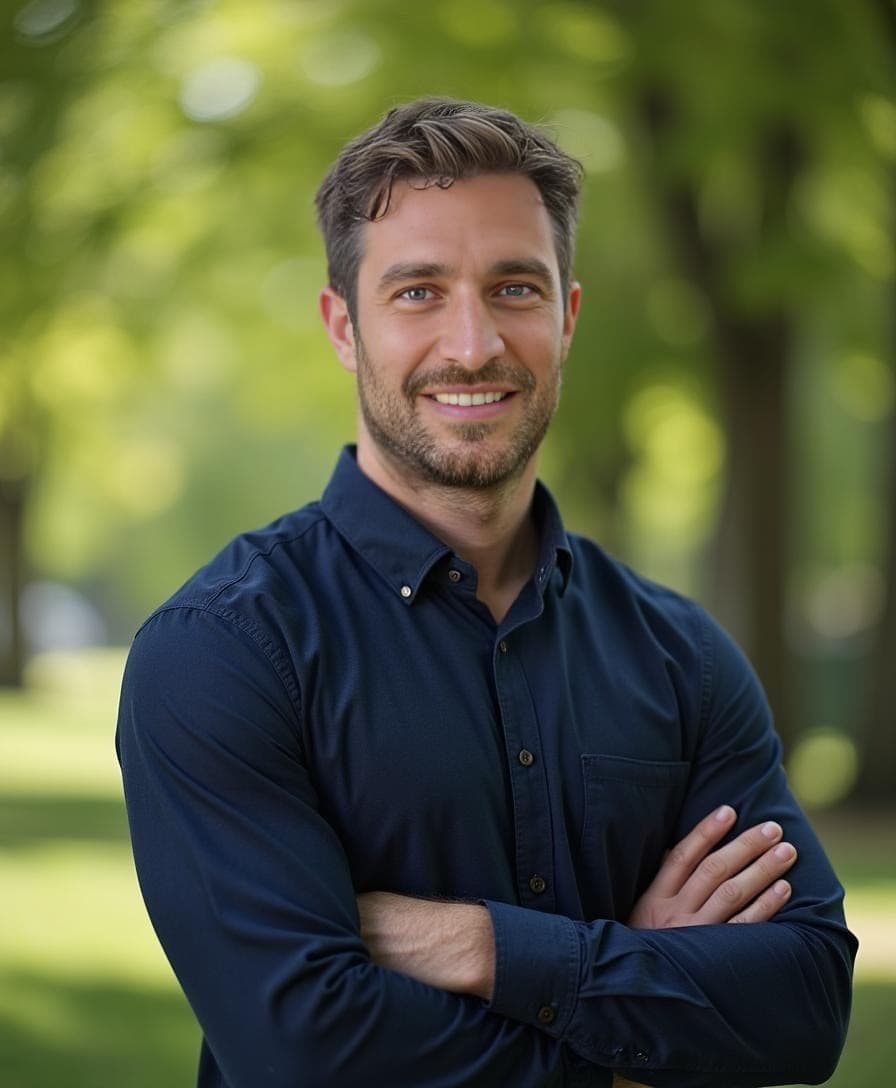
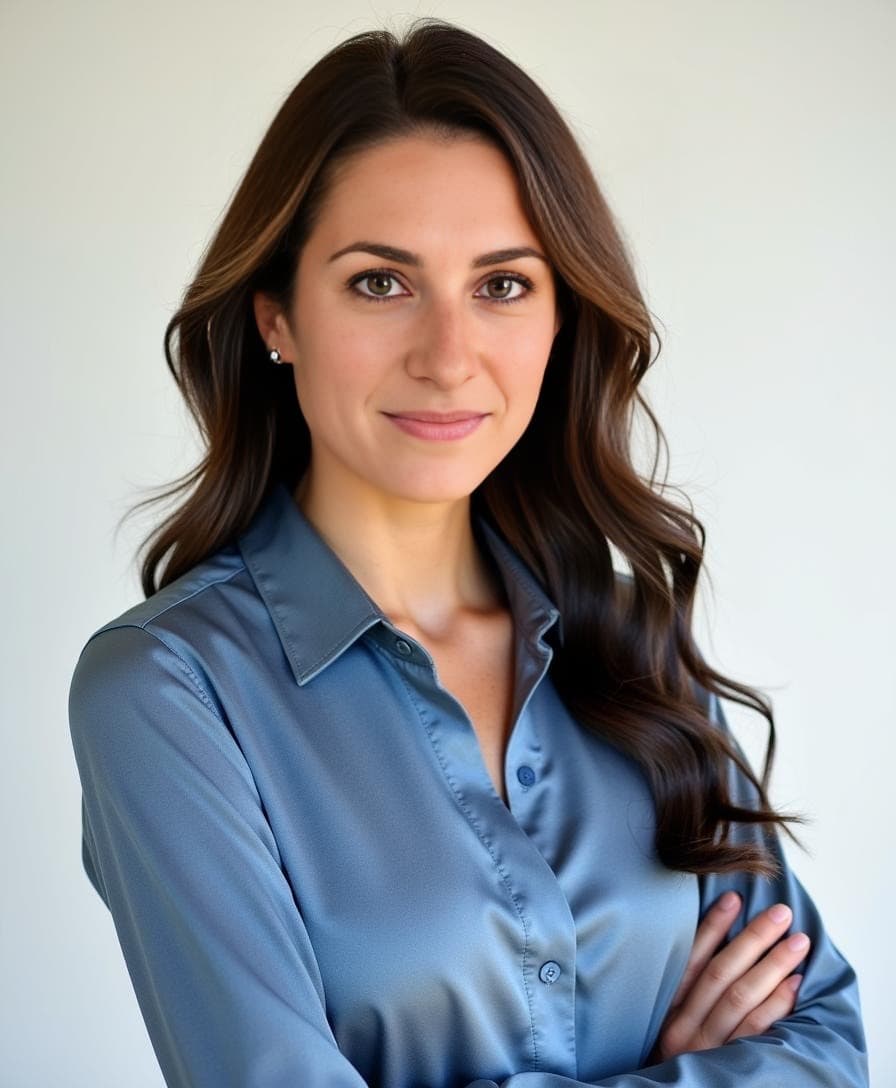
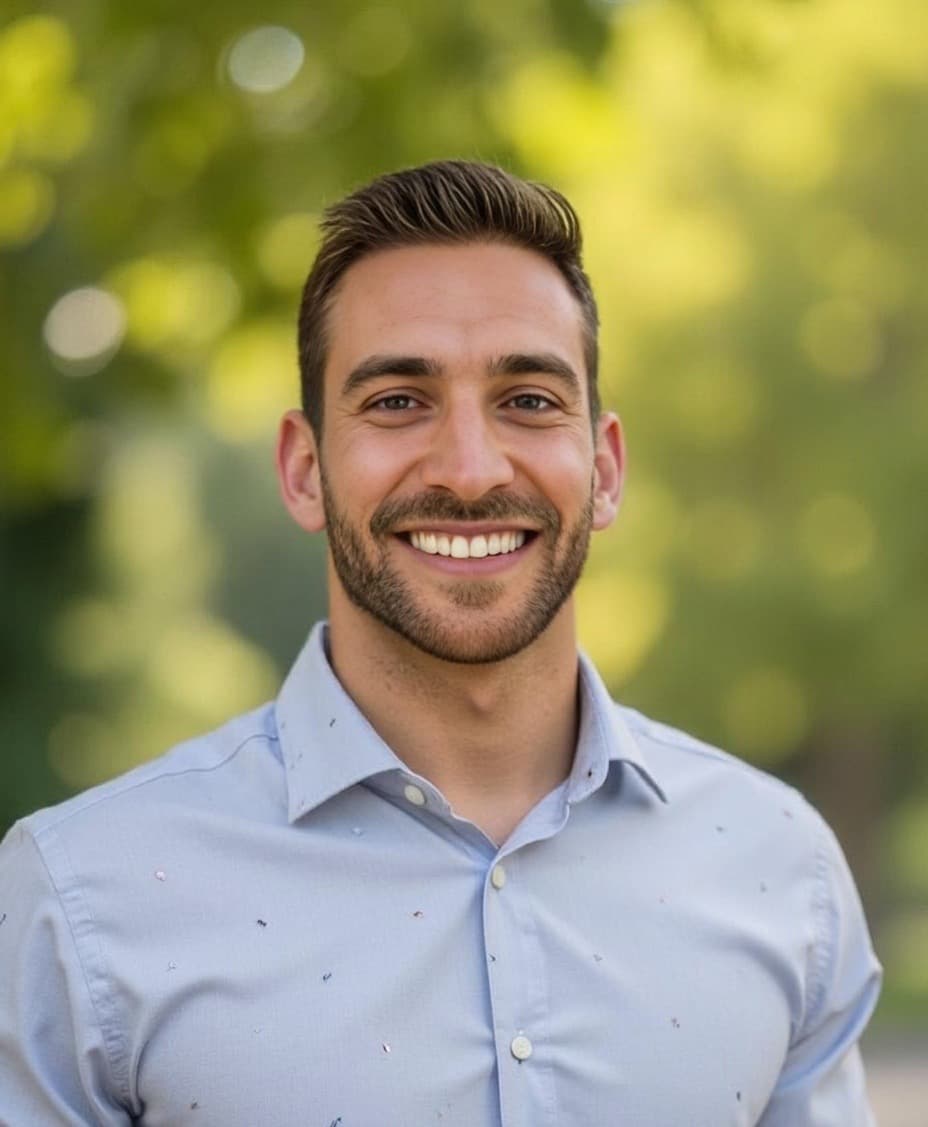
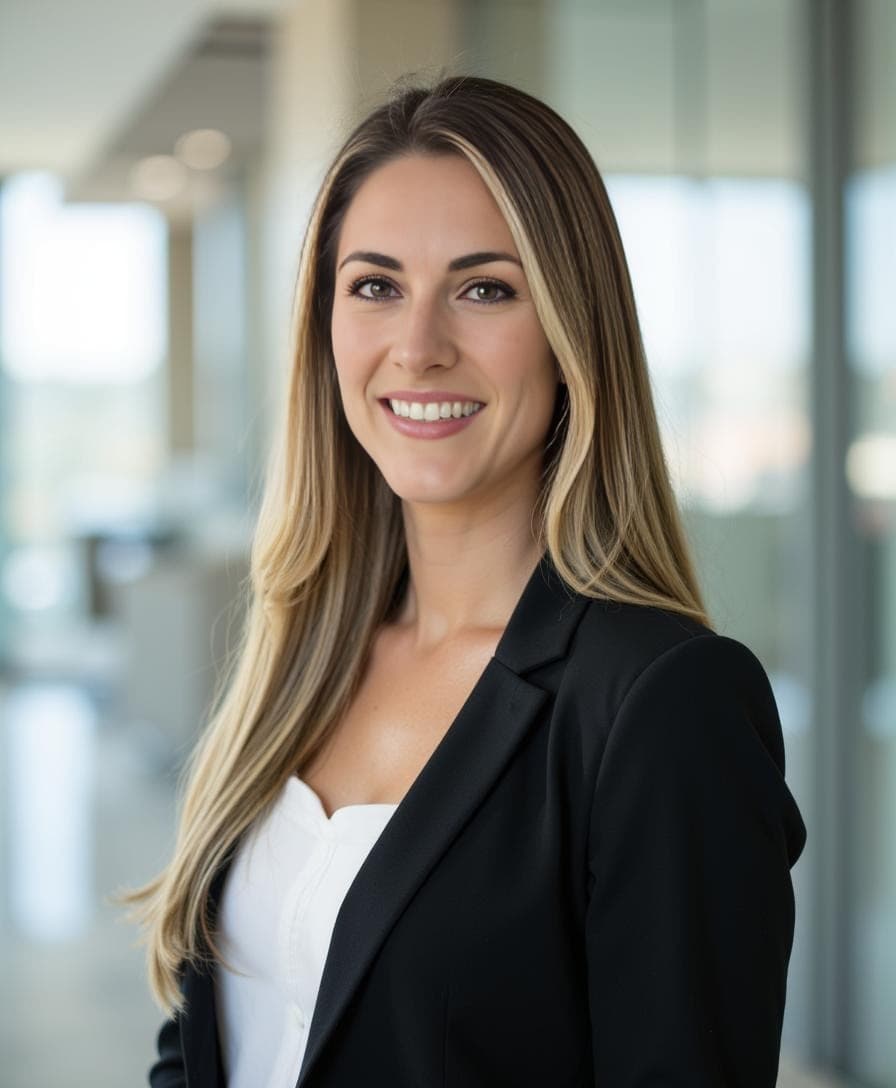

The Leading AI Headshot Generator for Professionals
Changelog — Page 2
Filter
Filter
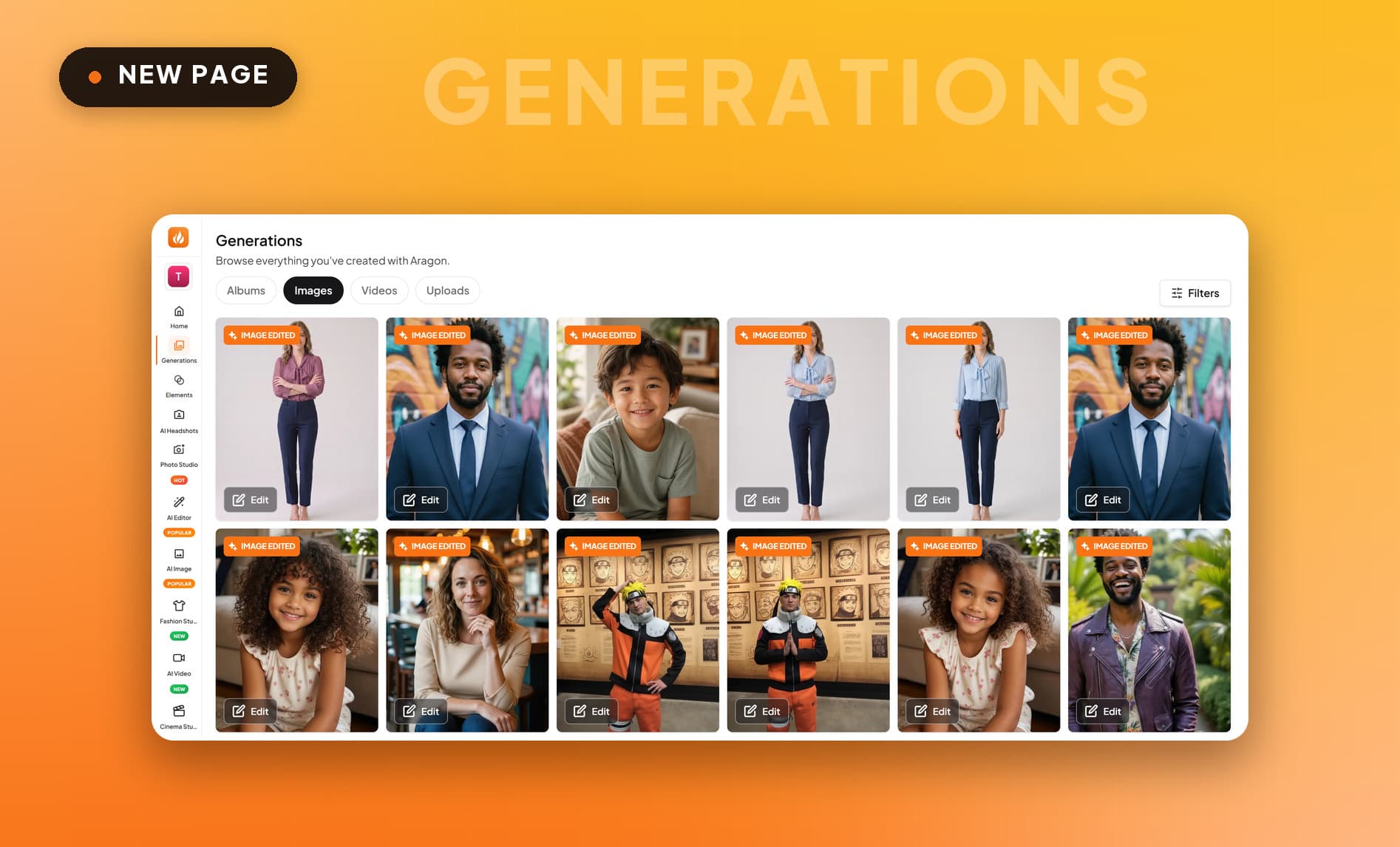
New Generations Page - Everything You Have Created
Generations shows your headshot albums, edits, videos and uploads on one page.
What's New
- Albums and Edits: Headshot albums and every edit you've made, side by side in their own tabs.
- AI Videos: Every video you've generated in one tab, labeled with the model that made it.
- Uploads: The photos you brought to Aragon.
The Generations page is live now in your dashboard.
Introducing Fashion Studio - Virtual Try-On
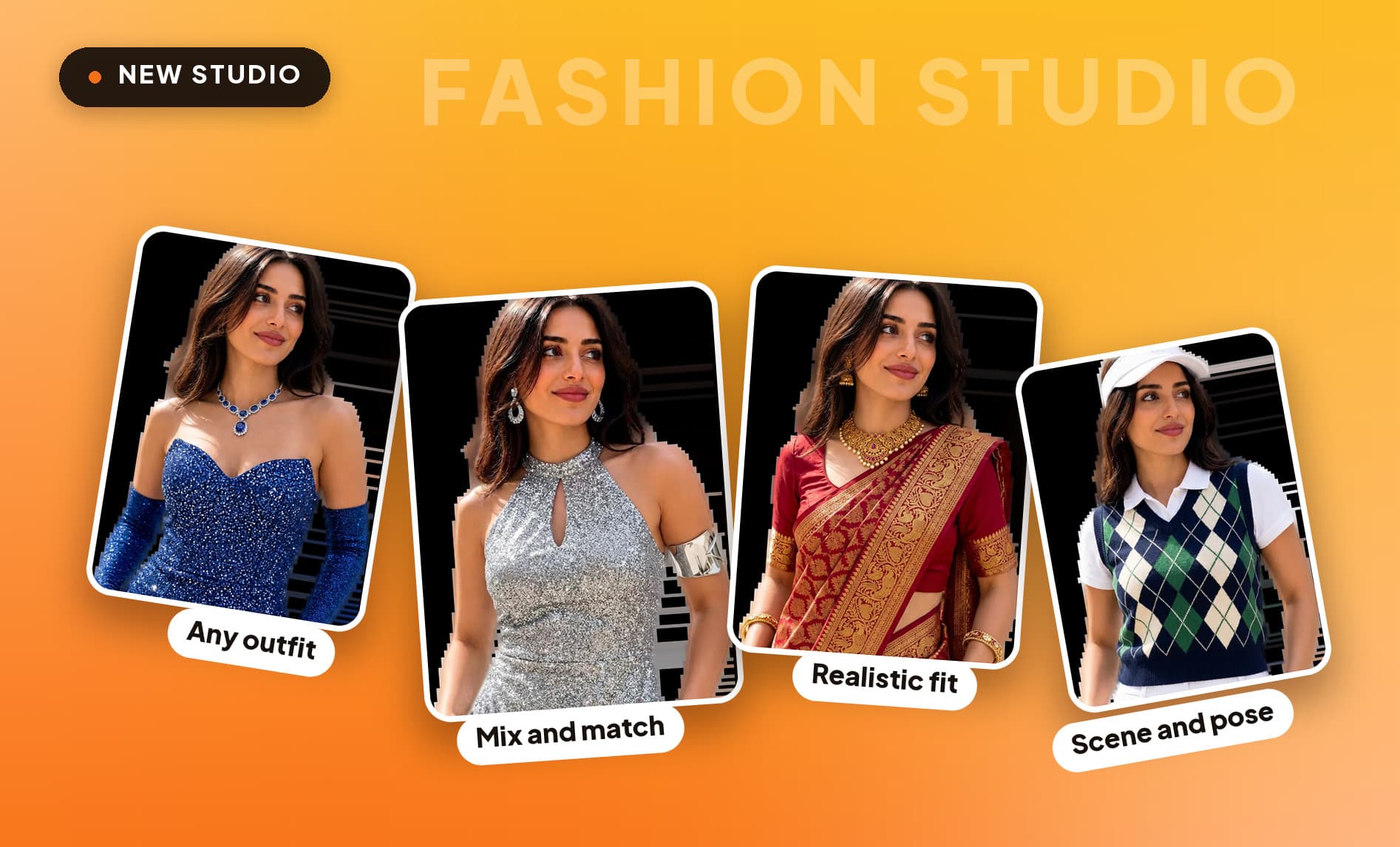
Fashion Studio puts any garment on any model, with tops and bottoms you can mix and swap independently.
What's New
- Any outfit on any model: Start with one of our models or a single photo of yourself, then dress it in whatever garment you provide.
- Mix and match tops and bottoms: Combine separate pieces into one look and swap either half on its own.
- Realistic fit and fabric: Garments drape, fold and catch the light the way the real material would.
- Pick the scene and pose: Choose the setting and the shot. The same outfit can be a studio product photo or an on-location editorial.
Fashion Studio is live now in your dashboard.
New AI Editor Tools - Find Your Brand Colors
Mood Board Generator, Color Palette Extractor and AI Color Analysis build a palette from a brief, an image or your own features.
What's New
- Mood Board Generator: A full brand mood board in one pass.
- Color Palette Extractor: Pull a palette from any image, hex values ready to use.
- AI Color Analysis: Find the colors that suit your own features.
All three are live now in the AI Editor.
New AI Editor Tools - Logos, Covers and Merch Mockups
Logo, E-Book Cover, Podcast Cover and Merchandise Mockup generators each compose for the size the artwork is actually seen at.
What's New
- Logo Generator: Describe it and get a polished logo back, as many directions as you need.
- E-Book Cover Generator: Covers that stay legible at thumbnail size, where people see them first.
- Podcast Cover Generator: Cover art composed for the small square tile it appears in.
- Merchandise Mockup Generator: See your design on real, sellable products before you order a run.
All four are available now in the AI Editor.
New AI Editor Tools - Fix Warped Faces and Dull Photos
Distortion Remover fixes warped faces, hands and clothing, and Image Brightener lifts a dark photo without blowing out the highlights.
What's New
- Distortion Remover: Fix warped faces, hands and clothing, leaving the rest of the frame untouched.
- Image Brightener: Brighten dark photos, lifting shadows without blowing out the highlights.
Both are available now in the AI Editor.
Generate Flow Updates - A More Delightful Experience
We've polished the headshot generation flow with thoughtful details that make every click feel a little more magical.

What's New
- Satisfying Sound Effects: Every click now comes with crisp, subtle audio feedback that makes interacting with the headshot generator feel responsive and rewarding.
- Fresh Gradient Backgrounds: We've introduced beautifully designed gradient backgrounds throughout the flow, giving the entire experience a more modern, premium aesthetic that's easy on the eyes.
- Animated Logo: Our logo now comes to life with a smooth, playful animation, a small detail that adds personality and warmth to your headshot creation journey.
These enhancements have been rolled out to all users, for the same powerful headshot generation, now with extra delight built in.
Updated Billing Page - Manage Subscriptions With Ease
We've revamped your billing page to give you full control over your subscription and credits, all in one place. Manage your plan, track your usage, and top up on the fly without ever leaving the dashboard.

What's New
- Flexible Plan Management: Upgrade or downgrade your subscription anytime with just a few clicks. Whether you're scaling up for a big project or scaling back for the season, switching tiers has never been easier.
- Real-Time Credit Tracking: See exactly how many credits you have left in your account at any moment, and stay on top of your usage without getting caught off guard mid-project. Your subscription renewal date is now front and center, so you can plan ahead with confidence.
- On-Demand Top-Ups: Ran out of credits or characters for the month? Easily top up directly from your billing page and keep creating without missing a beat.
These updates are live now for all Aragon subscribers, designed to make managing your plan as seamless as the creative work you do with it.
New Feature - Introducing Aragon Subscription Plans
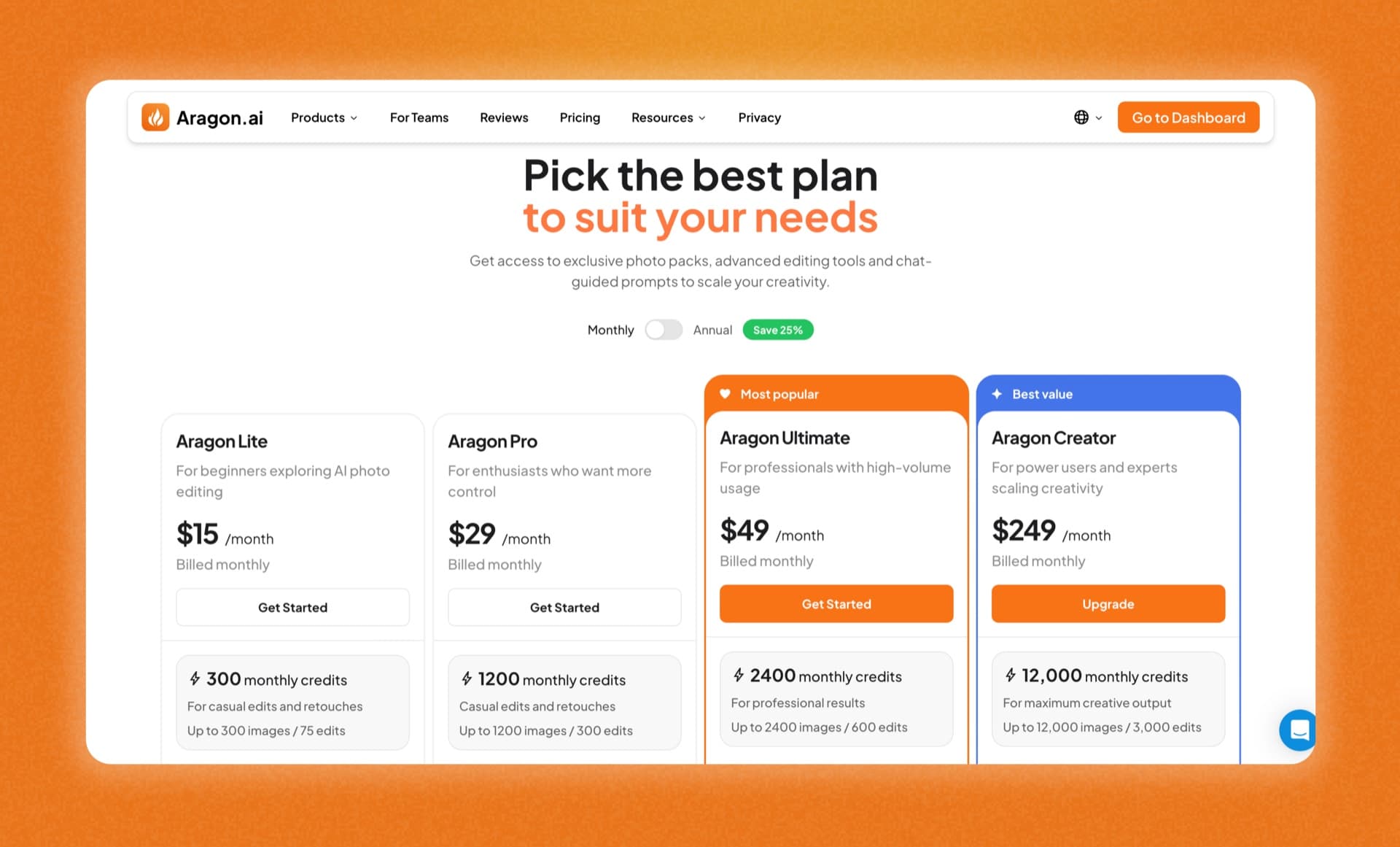
We've launched new subscription tiers to give you ongoing access to exclusive photo packs, advanced editing tools, and chat-guided prompts so you can create more, every month.
What's New
- Aragon Lite: Perfect for beginners exploring AI photo editing. Includes 300 monthly credits, up to 100 edits, 60+ AI editing tools, 100+ creative packs, and 1 AI character.
- Aragon Pro: Great for enthusiasts who want more control. Includes 1,200 monthly credits, up to 240 edits, full access to all models including GPT Image 1.5, Flux 2 Pro, and Seedream 4.5, plus up to 3 AI characters.
- Aragon Ultimate: Built for professionals with high-volume needs. Includes 2,400 monthly credits, up to 480 edits, full model access, and up to 5 AI characters.
- Aragon Creator: For power users scaling their creativity to the max. Includes 12,000 monthly credits, up to 2,400 edits, high-quality exports, full model access, and up to 10 AI characters at 30% less cost per credit.
All plans include no watermarks, premium headshot photo packs, custom AI chat-guided edits, and early access to advanced AI features.
Updated Onboarding Flow - A More Personalized Experience
For new users who want to use our photo packs and photo editor, we've added onboarding questions to help guide you to the right experience from the moment you sign up.

What's New
- How did you find us?: Tell us how you discovered Aragon so we can better understand our community and where you're coming from.
- What do you want to create?: Share what you're looking to make so we can point you to the tools and features most relevant to you.
- What will you use Aragon for?: Let us know your goals — whether it's personal content, professional work, or something in between — so we can tailor your experience from day one.
Where You'll See It
- New users will see this after selecting “Creative photo packs” or “Photo editing tools” for the onboarding question.
New AI Editor Tools - Clone Yourself and Make Custom Stickers
Two new tools just landed in the AI Editor. designed to make your photos more fun, creative, and shareable.
What's New
- Clone Generator: Duplicate yourself in a single photo to create a striking, surreal effect, perfect for creative portraits and playful content.
- AI Sticker Generator: Turn photos of yourself into custom stickers instantly! Great for personalizing your content and adding a playful touch.
New AI Editor Tools - Explore Bold New Styles and Worlds
Three new tools landed in our AI Editor to help you create unique, imaginative photos.
What's New
- AI Manga Generator: Transform yourself into a manga-style illustration and customize your own panel story, with bold lines, expressive details, and authentic anime-inspired artistry, told your way.
- 3D Sim Filter: Reimagine yourself as a charming, hyper-stylized 3D simulation character, fun, playful, and straight out of a life sim world.
- FPS Lobby Generator: Drop yourself into a first-person shooter lobby scene, complete with a game-ready look and atmosphere straight out of your favorite FPS title.
New AI Editor Tools - Fisheye and Underwater Filters
Two new tools have been added to our AI Editor to help you create eye-catching, creative photos.
What's New
- Fisheye Lens Filter: Give your photos a bold, wide-angle distortion effect that mimics the look of a fisheye lens, perfect for a fun, edgy aesthetic.
- Underwater Filter: Transform your photos with a dreamy, submerged look complete with aquatic tones, light refraction, and an ethereal underwater atmosphere.
New AI Editor Tools - Transform Your Photos with Stunning Editorials
Three new tools have been added to our AI Editor to help you create breathtaking, themed editorial images and more.
What's New
- Car Show Editorial: Place yourself in a polished, editorial-style photo in front of a stunning car, perfect for a sleek, magazine-worthy look.
- Castle Editorial: Transport yourself into a regal, cinematic world with castle-themed editorial images featuring grand architecture, moody skies, and timeless elegance.
- Product Holder Generator: Have a model naturally hold your product in a polished, professional photo, no photoshoot needed.
New AI Editor Tools - Fine Tune Every Detail of Your Photos
Three new tools have landed in our AI Editor to help you transform and reimagine your photos.
What's New
- AI Object Recolor: Instantly change the color of any object in your photo with a single tap, no manual selection or editing experience required.
- AI Image Replace: Swap out any object or element in your photo with something entirely new, seamlessly blended into your original image.
- Image Colorizer: Bring black-and-white photos to life by automatically adding rich, realistic color, perfect for restoring old memories or giving any image a vibrant new look.
New AI Editor Tools - Fun Ways To Reimagine Yourself
Three new tools have landed in our AI Editor to help you turn your photos into bold, imaginative creations.
What's New
- Polygonal Art Generator: Transform any photo into stunning geometric artwork, a modern, graphic art style perfect for prints, wallpapers, and creative projects.
- Trading Card Generator: Turn any photo into a custom trading card complete with stats, styles, and designs, perfect for gifts, collectibles, and shareable social content.
- Giant Human Generator: Place yourself or anyone into a scene as a towering giant. Create larger-than-life, eye-catching images perfect for creative storytelling and social media.
New AI Editor Tools - Place Your Brand Anywhere
Three new tools have been added to our AI Editor to help you create stunning, professional-grade visuals from your photos.
What's New
- Billboard Generator: Transform any image into a realistic billboard mockup. Visualize yourself, ad assets, or artwork displayed large and in real-world settings.
- Mural Generator: Turn any photo or design into a large-scale mural, perfect for visualizing street art and creative wall designs.
- Product Photo Generator: Create clean, professional product photos from any image — generate studio-quality shots ideal for e-commerce listings, ads, and brand content.
New AI Editor Tools - Polish Your Look and Update Your Style
Four new tools have been added to our AI Editor to help you perfect your look and organize your style.
What's New
- Teeth Editor: Instantly brighten, whiten, and reshape teeth in any photo for a natural, confident smile. Perfect for portraits, headshots, and social content.
- Nail Editor: Virtually try on different nail shapes and nail polish shades to achieve the perfect photo-ready look.
- Virtual T-Shirt Try-On: Create and try on your own t-shirt designs with custom graphics and text, no design skills needed.
- AI Wardrobe Label: Upload a photo of yourself and let AI automatically arrange, identify, and label every clothing item into a clean, organized flat-lay of your full wardrobe.
New AI Editor Tools – Transform, Play, and Build Your World
Three new tools were added to our AI Editor to help you transform your photos into fun, creative images.
What's New
- Block Toy Generator: Transform any photo into a charming block toy-style scene, turning yourself into playful, collectible-looking creations.
- Superhero Generator: Reimagine yourself or anyone in your photos as fully-suited superhero. Choose your superpower and see it come to life in your transformation.
- Video Game Filter: Turn any photo into a scene straight out of a video game, complete with a bold, illustrated game-world aesthetic.
New AI Editor Tools - Celebrate Your Pet with Aragon
Two new tools were added to our AI Editor to help you turn your favorite pet photos into shareable, one-of-a-kind keepsakes.
What's New
- Pet Sticker Generator: Transform your pet's photos into fun, custom stickers perfect for sharing in chats, stories, and social media posts. Create personalized pet stickers in seconds, no design skills needed.
- Pet Portrait Generator: Reimagine your pet as the subject of a classic, Renaissance-style painted portrait. Generate regal, museum-worthy pet art that makes the perfect gift, print, or profile picture.
New AI Editor Tools - Create Stunning Visual Content Effortlessly
Three new tools have been added to our AI Editor to help you produce fashion-forward, high-quality content built for the spotlight.
What's New
- Editorial Shoot Generator: Transform any photo into a high-creativity, magazine-worthy editorial. Generate striking, conceptual looks styled for fashion campaigns and creative portfolios. no photographer needed.
- Instagram AI Photo Generator: Create scroll-stopping, aesthetic photos optimized for Instagram posts and feeds. Produce on-trend, high-quality visual content that drives engagement.
- AI Stylist: Virtually try on complete outfit sets across dozens of aesthetics , from goth and cottagecore to streetwear, Y2K, and beyond. Explore and discover your personal style before you shop.
New AI Editor Tools - Transform Your Photos Instantly
Three new tools just landed in our AI Editor to help you perfect every detail and create scroll-stopping content.
What's New
- Lighting Editor: Adjust, and relight any photo with AI-powered lighting controls. Fix dark shadows, boost natural light, or set the perfect mood.
- Facial Hair Editor: Add, remove, or restyle facial hair in any photo instantly. From clean shaves to full beards, experiment with any look before committing to it.
- YouTube Thumbnail Generator: Design click-worthy YouTube thumbnails in seconds. Stand out in search results with professionally crafted, on-brand thumbnail templates.
New AI Editor Update - Backgrounds Just Got a Major Upgrade
Our Background Changer just received its biggest update yet, with smarter presets and a brand new way to build the perfect scene behind every photo.
What's Updated
- Background Changer: Our most powerful background editing tool yet, now with two major upgrades:
- Custom Background Generator: Create fully custom backgrounds by simply typing in a prompt. Generate any setting, mood, or environment you can imagine.
- Expanded Preset Library: Our preset backgrounds for nature, city, establishments, offices, and walls have been completely refreshed with more options and more natural-looking results. All previous backgrounds have been replaced with higher-quality upgrades.
New AI Chat Editor Updates - Generate Images and Choose Your AI Model
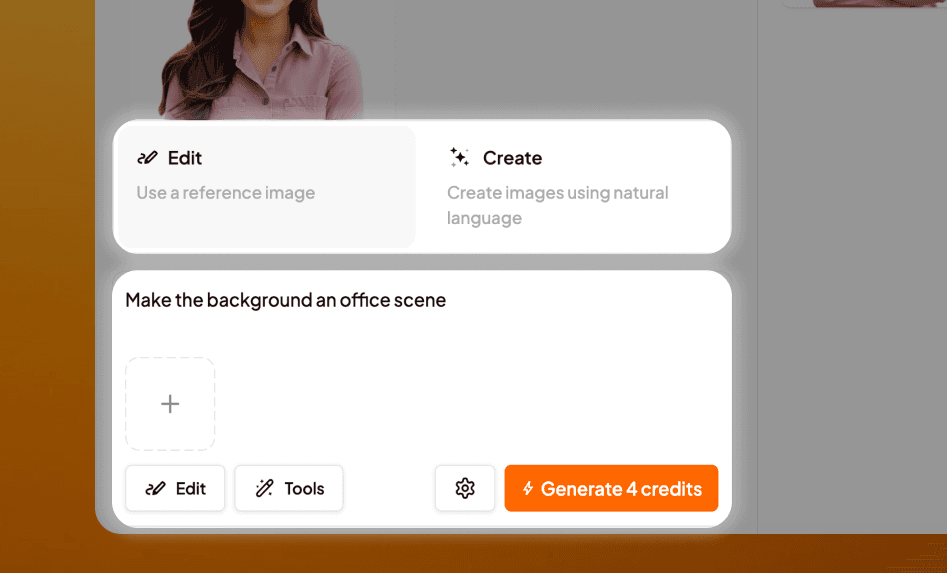
Our new and improved AI Chat Editor is here! You can now generate brand new images from scratch, with a lineup of cutting-edge AI models to create with.
What's New
- AI Chat Editor: Going beyond editing, now with two major upgrades:
- Text-to-Image Generation: Create brand new, fully custom images from scratch just by typing in a prompt. Generate any photo, scene, or concept you can imagine, instantly.
- Multi-Model Selection: Choose from a growing lineup of state-of-the-art image generation models to match the right model to your creative vision, including Nano Banana 2, Flux 2 Pro, GPT Image, Seedream 4.5, and more.